
Free bonus: 10 days of email support with every course.

Free bonus: 10 days of email support with every course.

Trust & safety

Tools may change. Responsible habits stay.

AI tools support the learning. Human educators remain responsible for instruction, boundaries, judgment and feedback.
Our approach combines clear expectations, privacy-aware routines and practical habits that help students create, question, check and improve with care.

For students, families and schools
Human-led learning · responsible use · privacy awareness · respectful participation. Program-specific tools, accounts, supervision and support arrangements are confirmed before delivery.

Illustration: a young adult working on a laptop in a café, with a headset on the table
Who does the work

Clear boundaries. Thoughtful decisions. Human guidance.

Responsible use

Students remain responsible for their ideas, decisions and final work. Check information, acknowledge AI assistance where required, respect copyright and follow school or assignment rules. Discuss bias, limitations and ethical choices through practical activities.

Woman using laptop.

Privacy & data

We collect only the information we need to run our programs, and families can ask us what we collect and why. Students are encouraged not to put personal information into AI tools. Marketing emails are optional, and we ask permission before using photos, student work or testimonials. See our Policies page for the details.

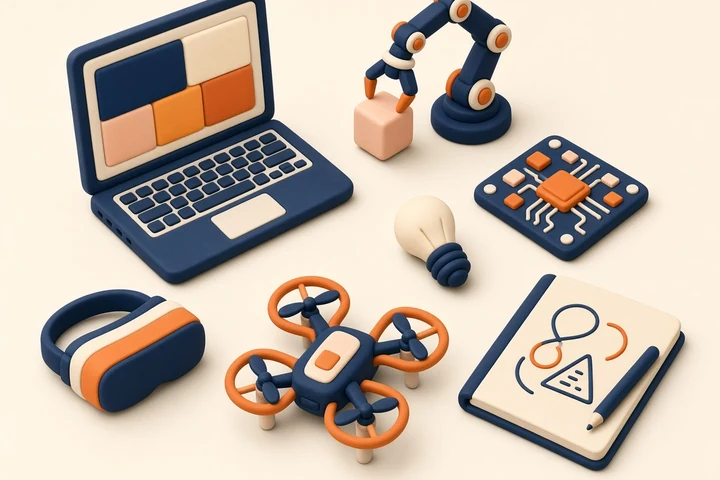
Illustration: a maker desk with a laptop, a robot arm, a circuit board and a drone

Human oversight

Educators guide instruction, learning boundaries, judgment and feedback. Live student programs normally use supervised small groups, with opportunities to ask questions and receive guidance. Support outside sessions uses authorized company channels.

Female worker sitting in a board room with a laptop on the table.
How we keep students safe

Fit the technology to the student and the context.

School-ready expectations

School policies, assessment requirements and approved accounts inform program planning. Students should be able to show their decisions, checks and revisions. Evidence and curriculum connections are agreed for the particular program.

Wellbeing & accessibility

We aim for supportive, inclusive and respectful learning. Families and schools can discuss participation, accessibility or learning-support needs before a program. Reasonable adjustments are explored where possible; concerns are reviewed and supported or escalated as needed.

AI apps used in lessons

We don’t own or run the AI apps used in lessons, and each one has its own terms, privacy policy and minimum age. Teachers guide safe use in lessons, but we can’t control what an app shows.

Habits that last

Think. Create. Check. Improve. Explain.

Responsible use becomes useful when students practice it while making something. Human judgment, privacy awareness, authorship and verification belong in the activity itself.

  1. Start with a purpose Set a goal and decide where AI is helpful, limited or inappropriate.
  2. Protect information
    Use approved accounts and avoid unnecessary personal or confidential information.
  3. Check and question
    Verify claims, inspect outputs and look for mistakes, bias or missing context.
  4. Improve and explain
    Revise weak work, record the decisions made and disclose assistance where required.
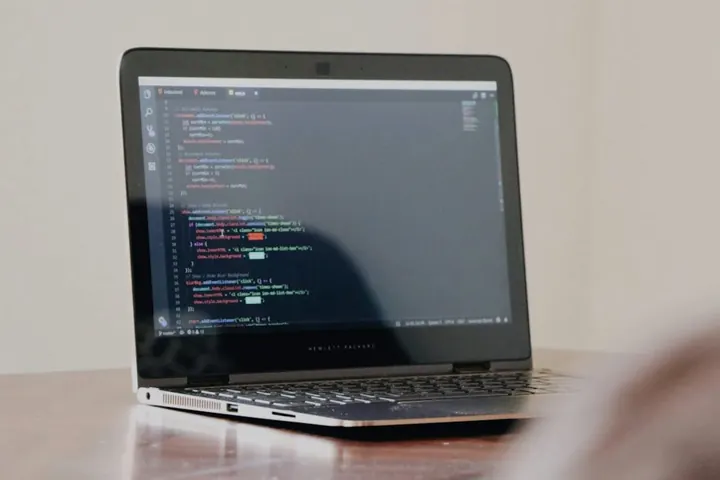
Laptop on a desk with code on the screen.
Child safeguarding

Professional boundaries. Clear ways to raise a concern.

Student programs use the approved supervised delivery format. Routine private one-to-one online teaching with minors is avoided; an unusual one-to-one interaction needs a separately approved process with appropriate parent or school visibility. Outside-session support uses company-controlled email, not personal phone numbers or private social accounts. Ask about the educator’s verified qualifications and screening requirements for the specific role and delivery context.

Questions families and schools ask

Know what participation involves.

What if a student needs extra support?

Contact us before the program to discuss accessibility, participation or learning-support needs and possible adjustments. Students are expected to act respectfully, follow educator guidance and use digital tools appropriately. Our team reviews concerns and provides support or escalates them when needed.

Can younger students use the AI tools?

Programs are recommended for ages 12+. Some third-party tools cannot be used directly by younger students; parent support does not override platform rules.

Are sessions recorded or projects published?

Live sessions are never recorded. Public or promotional use of student faces, voices, names, work or testimonials requires separate appropriate permission.

Ask before participating

Confidence starts with clear information.

Ask about a program’s tools, accounts, supervision, learning support, consent and data arrangements. We want families and schools to understand the proposed experience and raise questions before it begins.

Raise a safety, privacy or program concern

For a safety, privacy or safeguarding question, contact the NextRising AI Support Team at info@nextrisingai.com. Anyone can raise a concern, including a learner. We will do our best to review and respond as soon as reasonably possible. Please share only the information needed to describe the concern.

info@nextrisingai.com

For an immediate or urgent safety concern, contact the appropriate local emergency service, authority or professional support service.

Raise a concernEmail info@nextrisingai.com with a safeguarding concern or a safety question.