What students make · 1
Explore visual possibilities
Experiment with images, color, text, layout and shape.
AI for CreativeGraphic Design
Across five practical lessons, create 50+ AI-assisted outputs through activities, experiments, projects and improvements.
For parents and guardians: choose a format
Teacher-led: 5 live lessons, 1 hour each
See the 5 lessons · See class times
5 lessons · Live or self-paced
50+ outputs does not mean 50 finished portfolio pieces.
3D view loads only after a click.
Some lessons may use free third-party AI tools. If a tool needs an account, a parent or guardian sets it up and manages it, following that tool's own age rules. No extra purchase needed.
What students make · 1
Experiment with images, color, text, layout and shape.
What students make · 2
Start with an idea, choose a style and audience, then develop a creative brief.
What students make · 3
Review color, composition, atmosphere, detail and clarity.
Made by NextRising AI students
All student work shown is AI-generated as part of the course.
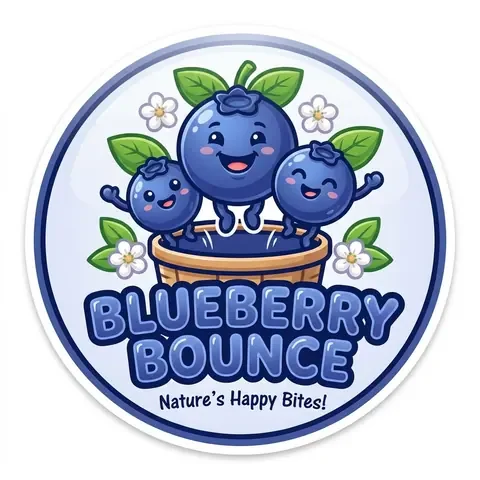 Blueberry Bounce logo · Cartoon
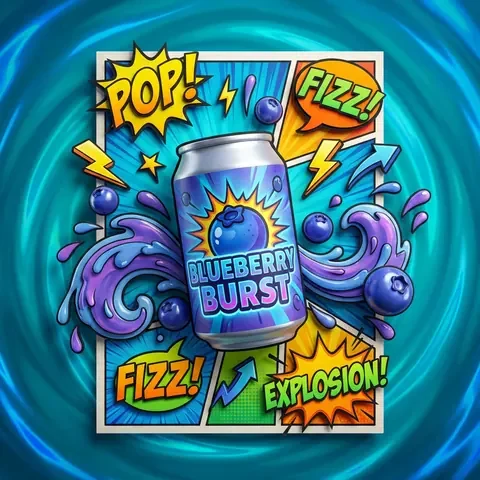 Blueberry Burst comic can · 3D
 Snowy cabin · Illustration
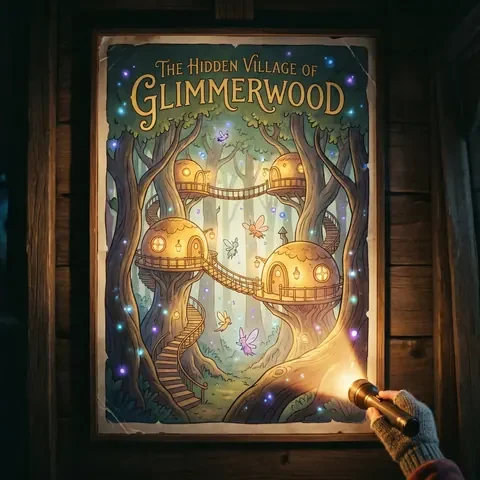 Glimmerwood · Creative
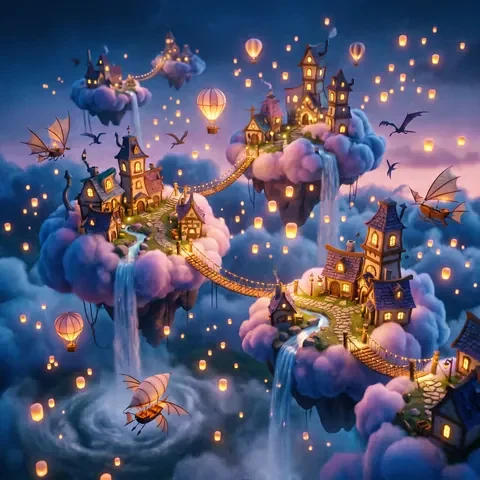 Floating sky village · Creative
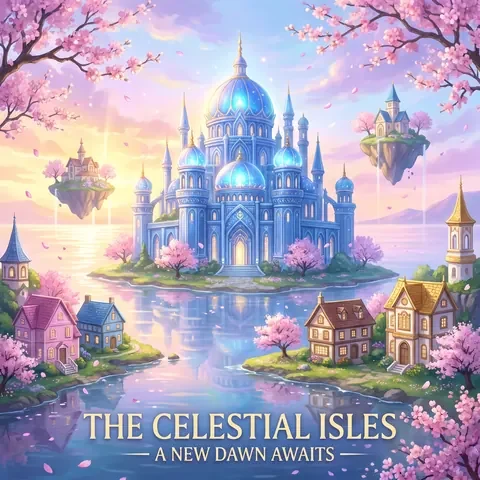 A world you dream of · Dynamic
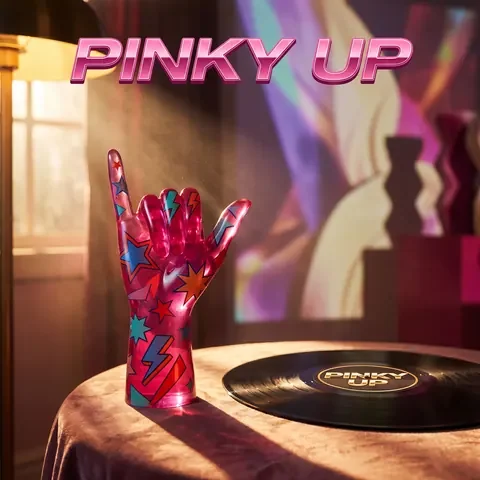 Pinky Up · Fashion
Design tip
Contrast is what makes words easy to read: dark text on a light background beats two similar shades. Web guidelines ask for a contrast ratio of at least 4.5 to 1 for normal text, and designers check it before anything goes live.
Drag the handle, or use the arrow keys, to compare.
Create safely and fairly: Check prompts for privacy, respect and originality. Improve a problematic brief and create an original album profile image.
Every course follows the same five-lesson journey: Understand the tool → Write structured prompts → Build a complete project → Review and refine → Use it safely and fairly.
For parents and guardians: compare the two formats.
$229per learner
A group starts once 4 learners have booked. If it hasn't a week before the first lesson, you can move to the next intake.
Register interest$139per learner
3 months of access from the date of purchase. We usually release access soon after purchase.
10 or more students? Arrange a group booking
All prices in US dollars.
Book one place for each child.
Before enrollment we confirm the date, local time, teacher, places, and any required accounts or paid tools. Parents: ask a question
Teacher-led: Fully booked. Reopening in January. Class times: announced soon. Live sessions are never recorded.
Teacher-led classes are fully booked, and class times are announced soon. Self-paced: currently unavailable.
This calendar shows no session times because none are open. Your local time will show here once class times are announced.
A parent or guardian can contact our support team for help preparing a device or the learning materials. A parent or guardian can help younger students set up accounts and check age requirements.
Live students can ask questions in the approved learning environment and use support email during the program.
Optional paid plans may offer additional credits, higher generation limits or advanced features. A parent or guardian should manage purchases for minors.
A parent or guardian can contact our support team for setup help.
Schools can discuss a customized learning experience through our School Programs pathway.
The named live educator and relevant verified role or professional experience will be confirmed with the cohort and timetable before enrollment.
Learn through guided recorded lessons.
Students are encouraged to experiment and develop original ideas while following clear expectations for respectful content, privacy, copyright and responsible AI use. Keep unnecessary personal information out of prompts, distinguish inspiration from direct copying, review images before sharing and explain AI’s contribution.
Teacher-led live learning is supported by human educators through the approved learning environment and NextRising AI communication channels. Student work may be retained where reasonably required for learning, course delivery, support or agreed educational purposes. Identifiable student work will not be used publicly for marketing or promotion without appropriate permission.
Save or export work where the platform allows. Sharing, publication and commercial-use rights depend on the relevant platform and account plan.
For anyone curious about turning ideas into visual creations.
Graphic Design Creative Space welcomes students with different levels of creative experience. A student might already love drawing, digital art, photography, brands or visual storytelling — or simply have an idea they want to see come to life. The course guides students step by step while leaving room for individual interests and creative decisions.
Recommended for ages 12+, subject to readiness and the age and account requirements of the platforms used.
Ideas matter more than existing design experience. No prior drawing or professional graphic-design experience is required.
The course introduces the creative process step by step, from developing a visual idea and building a creative brief to generating, comparing and refining different possibilities. Students with existing design experience can extend their skills and explore new AI-assisted workflows.
The total includes work created through activities, experiments, generated options, projects and refined versions. It does not mean 50 fully finished portfolio pieces.
Students explore different visual possibilities, compare results against a creative brief and make purposeful changes. The emphasis is on ideas, visual communication, judgment, experimentation, refinement and responsible AI.
The course focuses on AI-assisted ideation, prompt control, creative briefs, visual judgment and refinement, rather than training in a conventional professional design suite.
Students may also be introduced to different AI image-generation models to compare how the same creative idea can produce different visual results. The particular models may change as technology and the curriculum develop.
The course teaches the difference between inspiration and direct copying. Students develop original work, respect copyright and explain the contribution of AI.
Students are encouraged to experiment while following clear expectations for respectful content, privacy and responsible use. Keep unnecessary personal information out of prompts and review generated work before sharing it.
Students are encouraged to save and build on the work they create. Where the relevant platform allows it, students can download or export designs for personal projects and portfolios.
Sharing, publication and commercial-use rights may depend on the terms of the AI platform and account plan being used. Check the applicable terms before publishing. NextRising AI will only use identifiable student work publicly with appropriate permission.
Student work may be retained where reasonably required for learning, course delivery, support or agreed educational purposes.
A laptop or desktop gives the best overall experience. Tablets suit many activities, while mobile devices can support lessons and supported tasks. Students need a stable internet connection, a current browser and the accounts listed for the relevant activities. A mouse is recommended for visual-design work.
The course uses free or entry-level access wherever practical. Optional paid plans may offer additional credits, higher generation limits or advanced features. Upgrades are optional unless a specific course requirement clearly states otherwise. A parent or guardian should manage purchases for minors. Exact requirements will be shown before starting.
A parent or guardian can contact our support team for help preparing a device or accounts.
The Self-paced recorded course is online and on demand: 5 lessons, about 1 hour 45 minutes of teaching in total, at each student's own pace. Free bonus: 10 days of email support from when course access opens.
Teacher-led live learning is 5 live lessons, 1 hour each, when a cohort, educator and timetable are available. Small groups support real-time questions, educator guidance, discussion and peer interaction, with email support during the live program. Free bonus: 10 days of email support after the last live lesson.
Teacher-led class times: announced soon. Live sessions are never recorded. Book one place for each child.
Each Teacher-led group starts once 4 learners have booked.
Check availability for the confirmed date, local time or timezone, delivery mode, educator and available places. Final live booking details will be provided before enrollment.
School-based or in-person experiences can be discussed through the School Programs pathway.
Check Graphic Design availability for the confirmed price, currency, inclusions and places before enrolling. The Self-paced recorded course offers flexible independent learning. Free bonus: 10 days of email support from when course access opens. Teacher-led live learning includes scheduled educator interaction and live group guidance. Free bonus: 10 days of email support after the last live lesson. Final booking information is confirmed before payment.
The course is designed around accessible free or entry-level tools wherever practical. Optional provider upgrades are separate; any required paid access will be clearly identified before enrollment.
Please contact us as soon as possible and say which session was missed. We will provide the relevant lesson information, learning materials and available course resources to help the student catch up.
Live sessions are never recorded.
3 months of access from the date of purchase. We usually release access soon after purchase.
No. Live sessions are never recorded. If your learner misses one, contact us as soon as possible and we will share the lesson information and materials to help them catch up.
Teacher-led classes are fully booked. Parents and guardians can join the waitlist to hear first when places open.
Self-paced is currently unavailable for Graphic Design. You can register interest.
Yes. If you'd like to enroll 10 or more students, use the group booking form and tell us the course, the number of students and your preferred format. We'll get back to you to talk through the options.
A group starts once 4 learners have booked. If it hasn’t a week before the first lesson, you can move to the next intake.
Some lessons may use free third-party AI tools. If a tool needs an account, a parent or guardian sets it up and manages it, following that tool’s own age rules. No extra purchase needed.
10 days of email support. Self-paced: from when course access opens. Teacher-led: after the last live lesson.
All prices are in US dollars, per learner: Teacher-led $229, Self-paced $139. Book one place for each child.
Help your learner move from “I have an idea” to “I designed this” — with a practical process for creating, evaluating and improving original visual work.
For parents and guardians: choose a format
Teacher-led: 5 live lessons, 1 hour each